Everything you need in a fish tank app
Planning, tracking, and education in one workflow. Dashboards, trends, and stocking checks for people who like their fish alive and their water boring. Manual entry is normal; optional AI is only there if you want it.


Explore the app
Scroll through to see each feature. Tap an image or use the arrows. AI-assisted flows are optional - simple manual setup works great on its own.






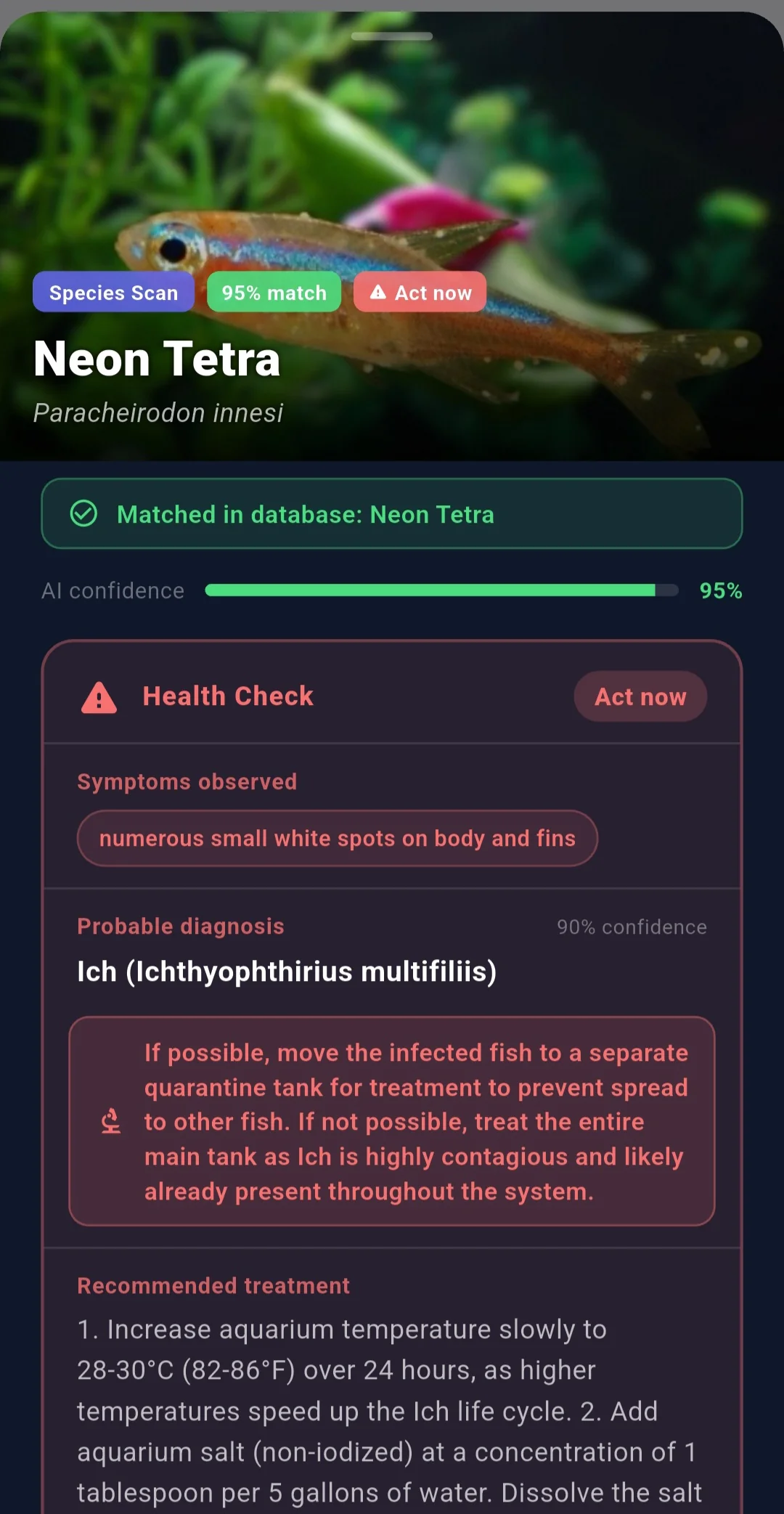


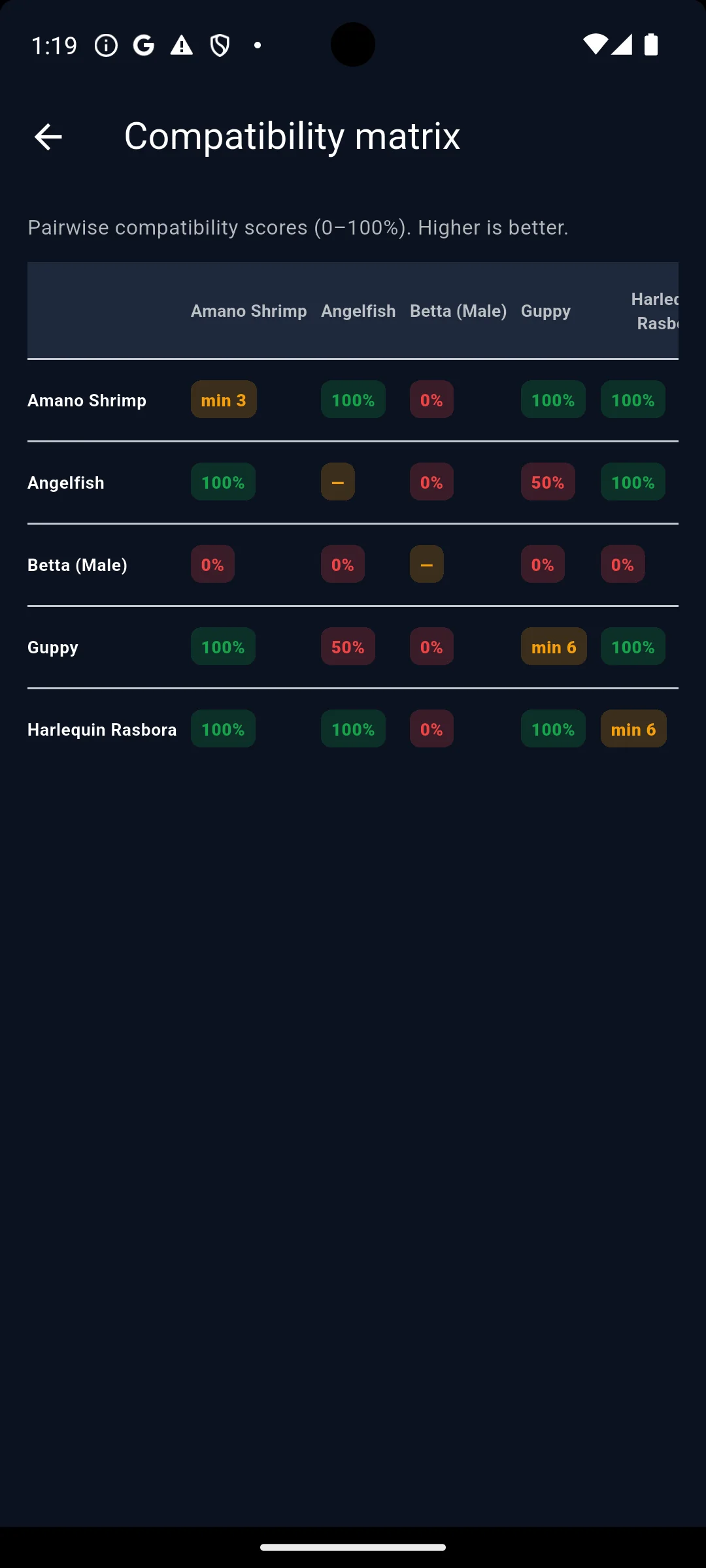


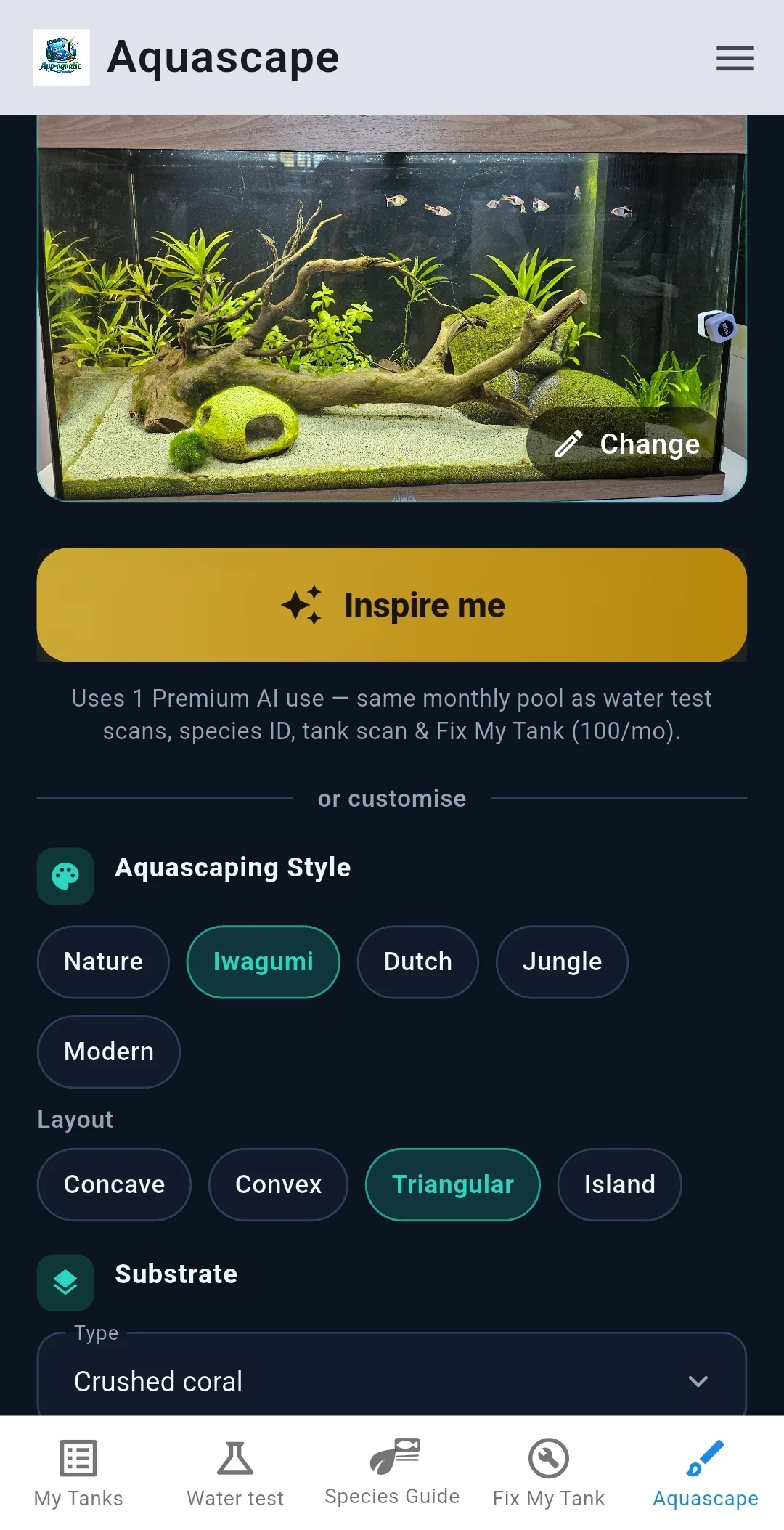

Tank dashboards
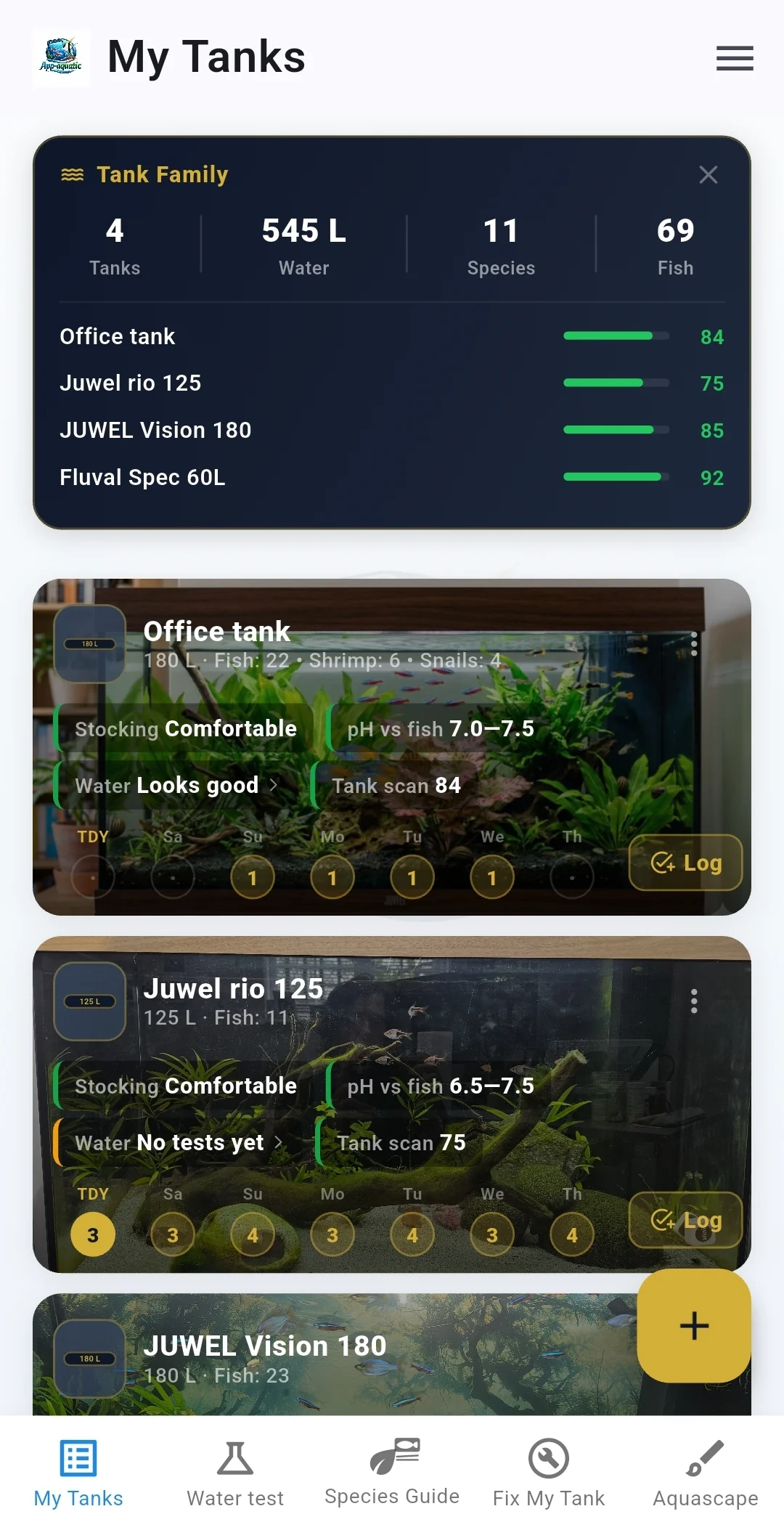
Health, bioload, alerts, and status in one place so you are not hunting through menus.
See how the tank is doing without doing maths in your head.
How to set up the app
Get started in a few minutes. No account required - your data stays on your phone. You can do everything with plain forms - optional AI and camera features are extras when you want them, not a rule. Follow these steps to add your first tank and start tracking.
-
1
Download and install
Get App-aquatic from the App Store or Google Play. No login needed - your tanks, fish, and logs stay on your device. New to fishkeeping? Our how to set up a fish tank guide walks you through the basics. Start your free trial straight away.
-
2
Add your first tank
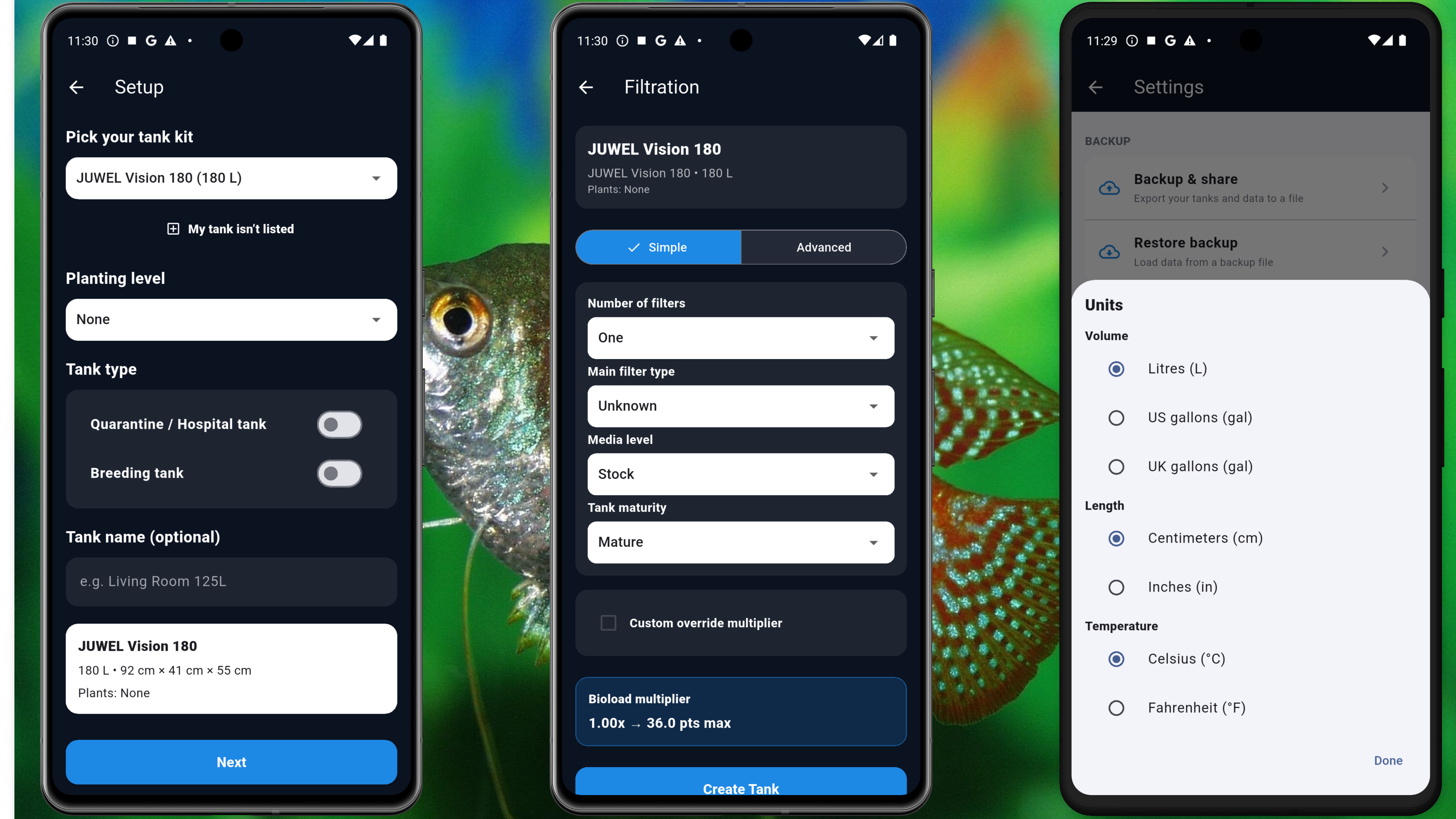
Start with easy manual setup: tap Add tank, give it a name, and enter the size in gallons or litres - no AI needed. The app uses this for stocking checks and care reminders. Optional AI-assisted setup is there later if you want it, but everyday fishkeeping works perfectly with the standard forms. Once you’ve chosen your tank, you can select your filtration. This automatically calculates the bioload of your tank - you can also override our calculations and enter your own multiplier (for more experienced fishkeepers). Add dimensions if you want to visualise your setup. One tank or many, it’s up to you.
-
3
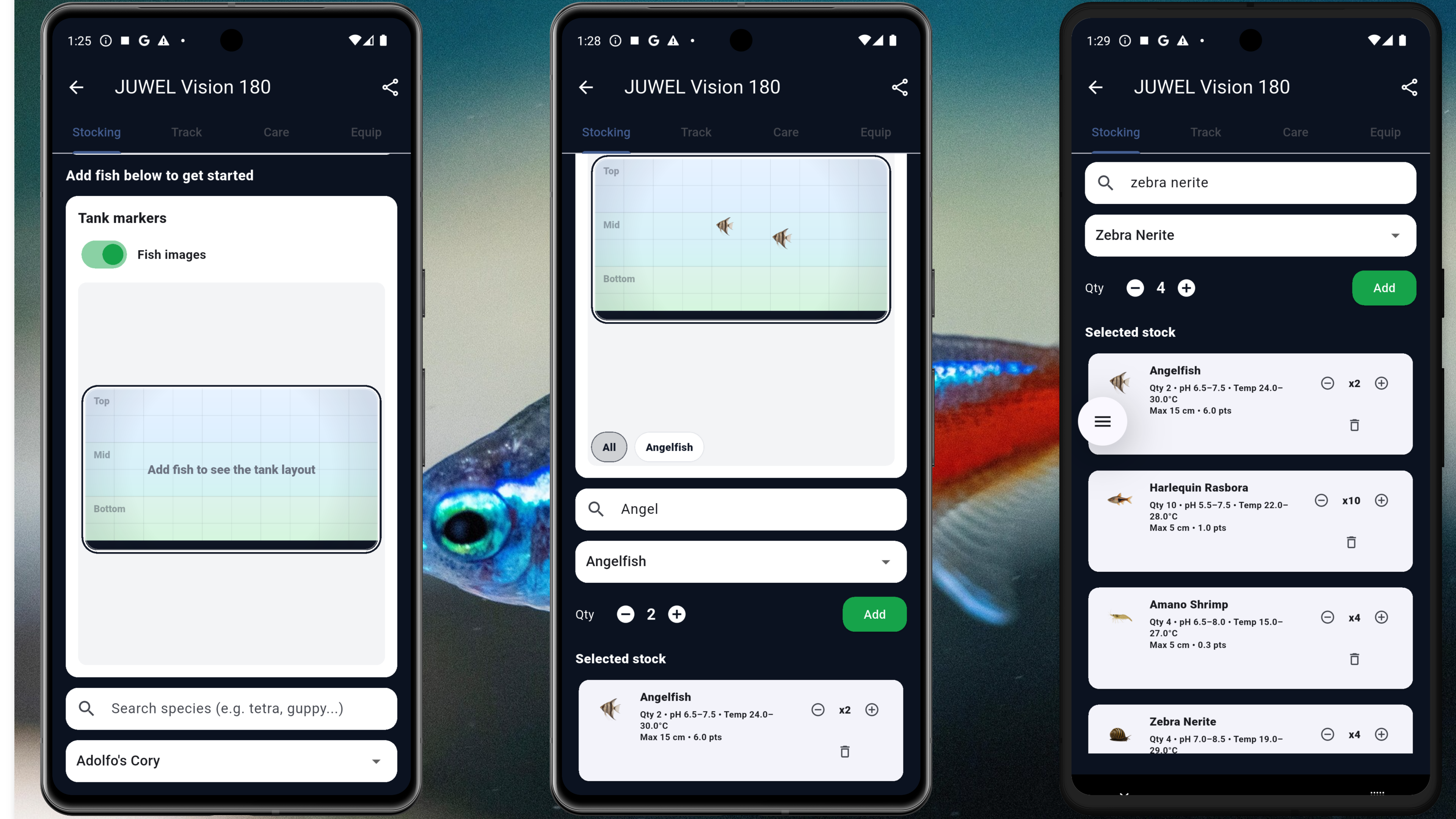
Add your fish
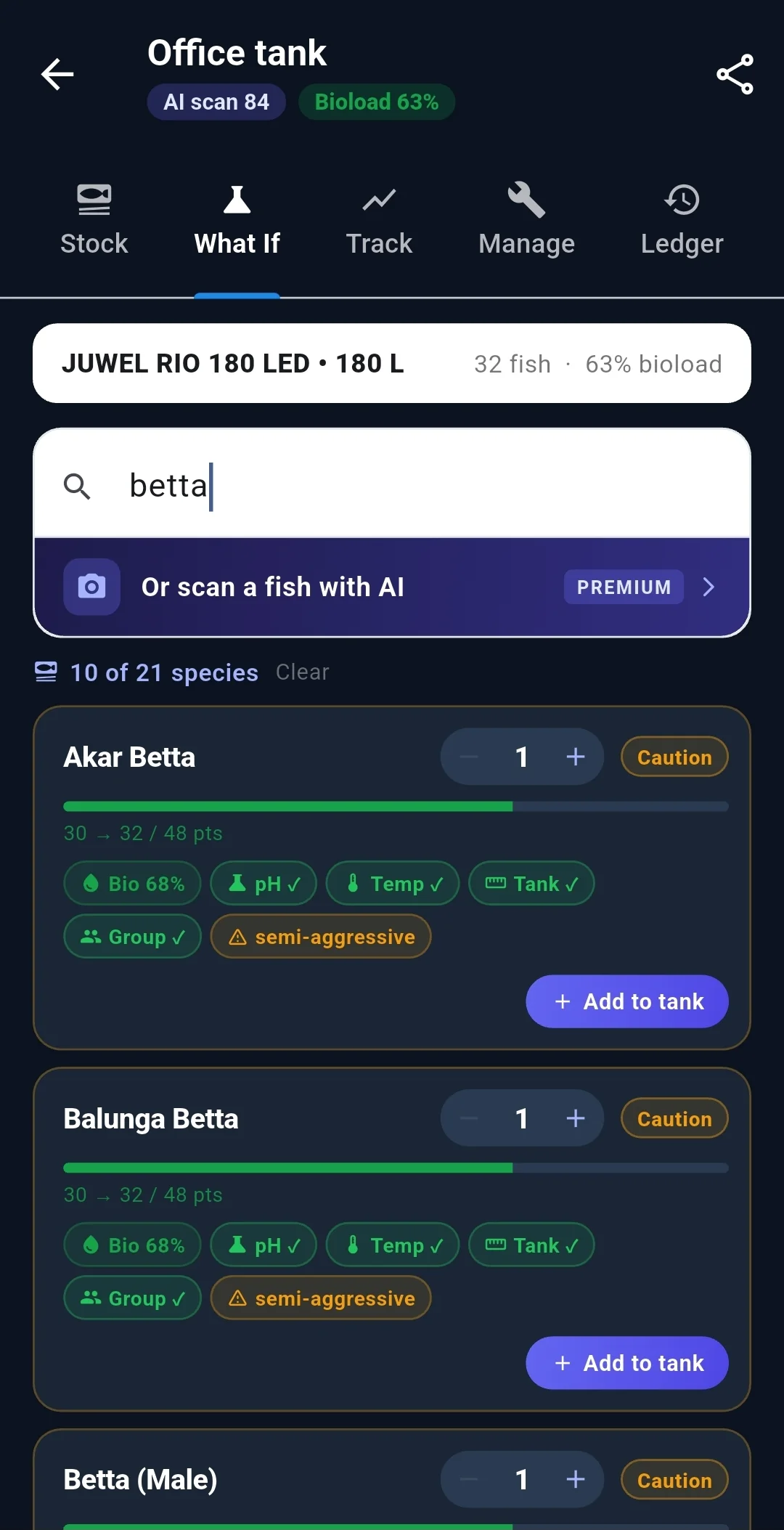
Search the fish database and add species to your tank. See compatibility, group sizes, and bioload at a glance. Your full tank overview is available in the dropdown at the top of the page - enjoy the full suite of tank insights. Don’t forget to share your tank setup with friends and family by pressing the share button! Plan combinations with our free online calculator (see our how to use guide) first, then add them in the app - or build your list as you go.
-
4
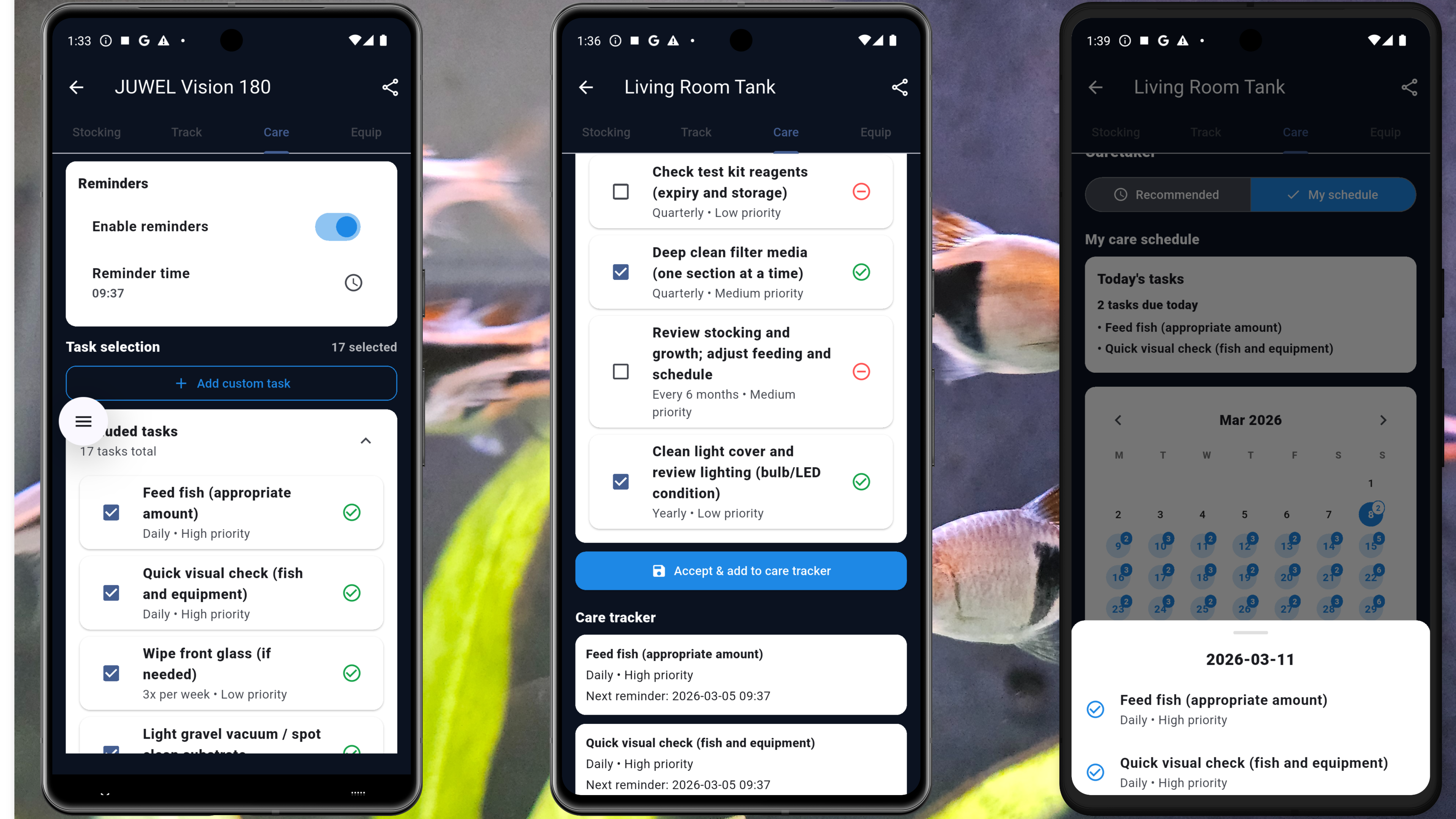
Set up care reminders
Configure water changes, filter cleans, and test schedules. The app suggests frequencies based on your tank and fish - tweak them to match your routine. Plan ahead and add custom tasks with your own reminders. See our maintenance guide for general care tips. Never miss a water change again.
-
5
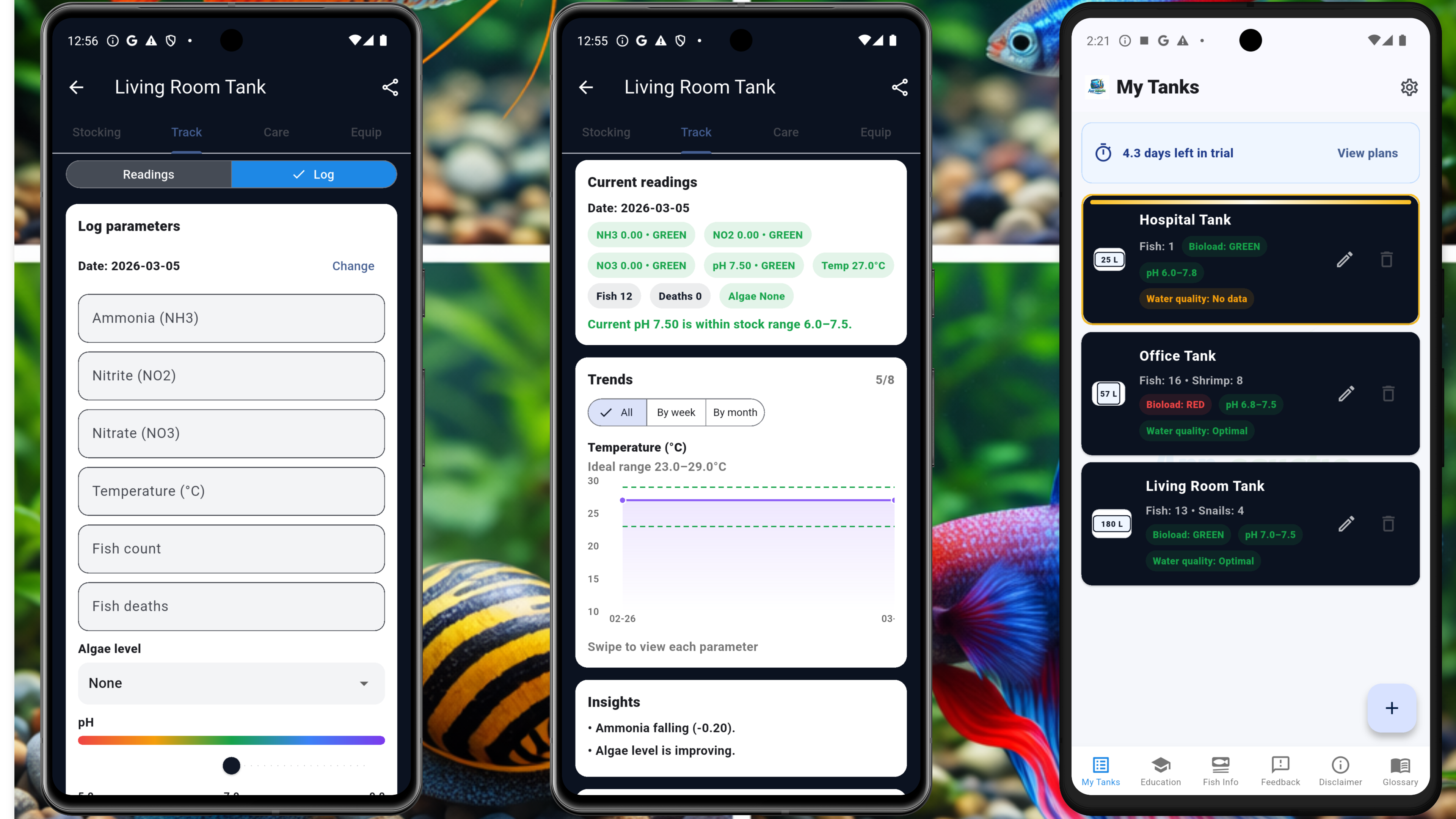
Start logging
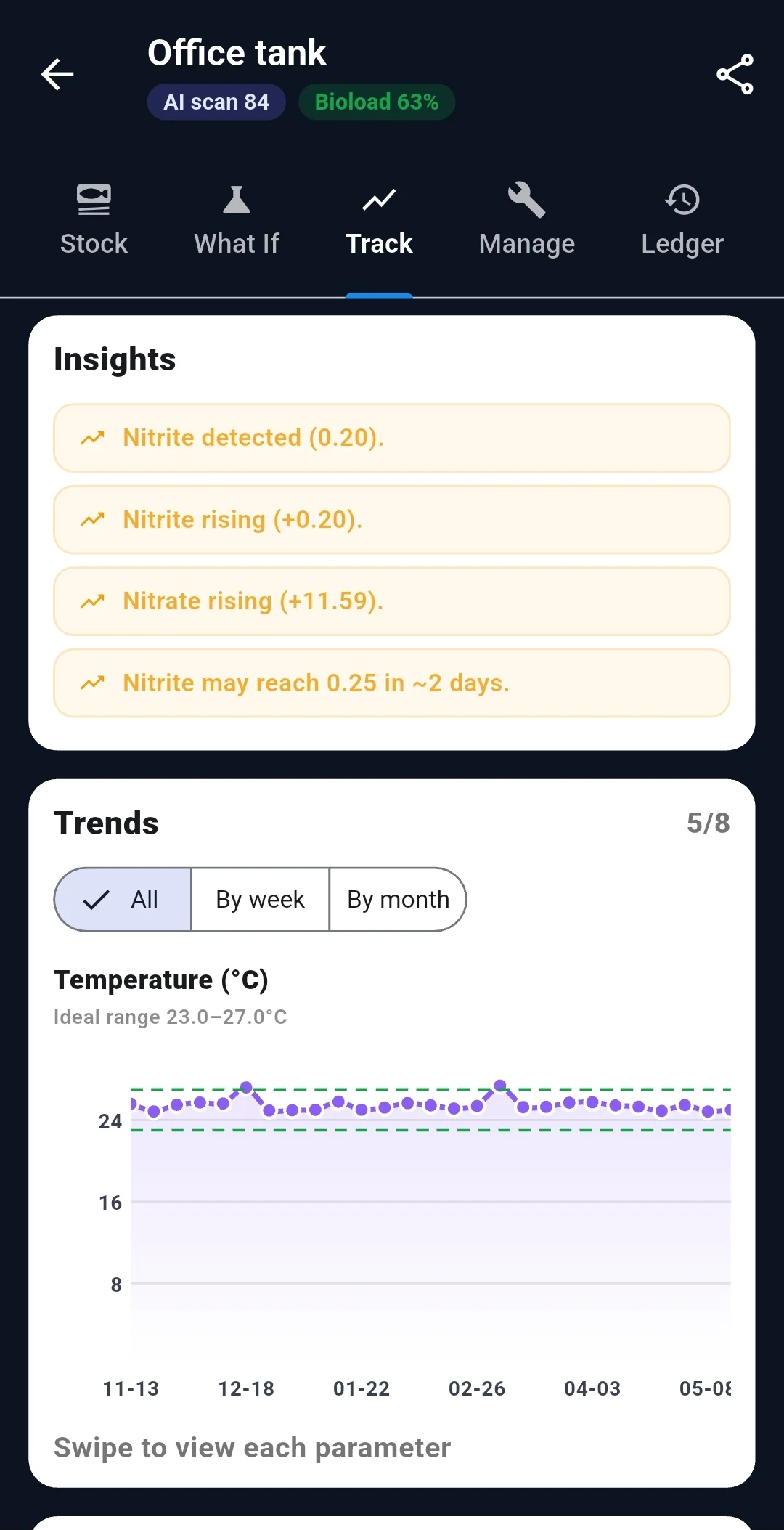
Log ammonia, nitrite, nitrate, pH and temperature when you test. The more you add, the smarter App-aquatic gets - we also pull water quality through to your tank’s dashboard. See our water parameters guide and cycling guide if you’re new to testing. View trends over time and spot trouble before it becomes a problem. Your history stays with you - no cloud required.
-
6
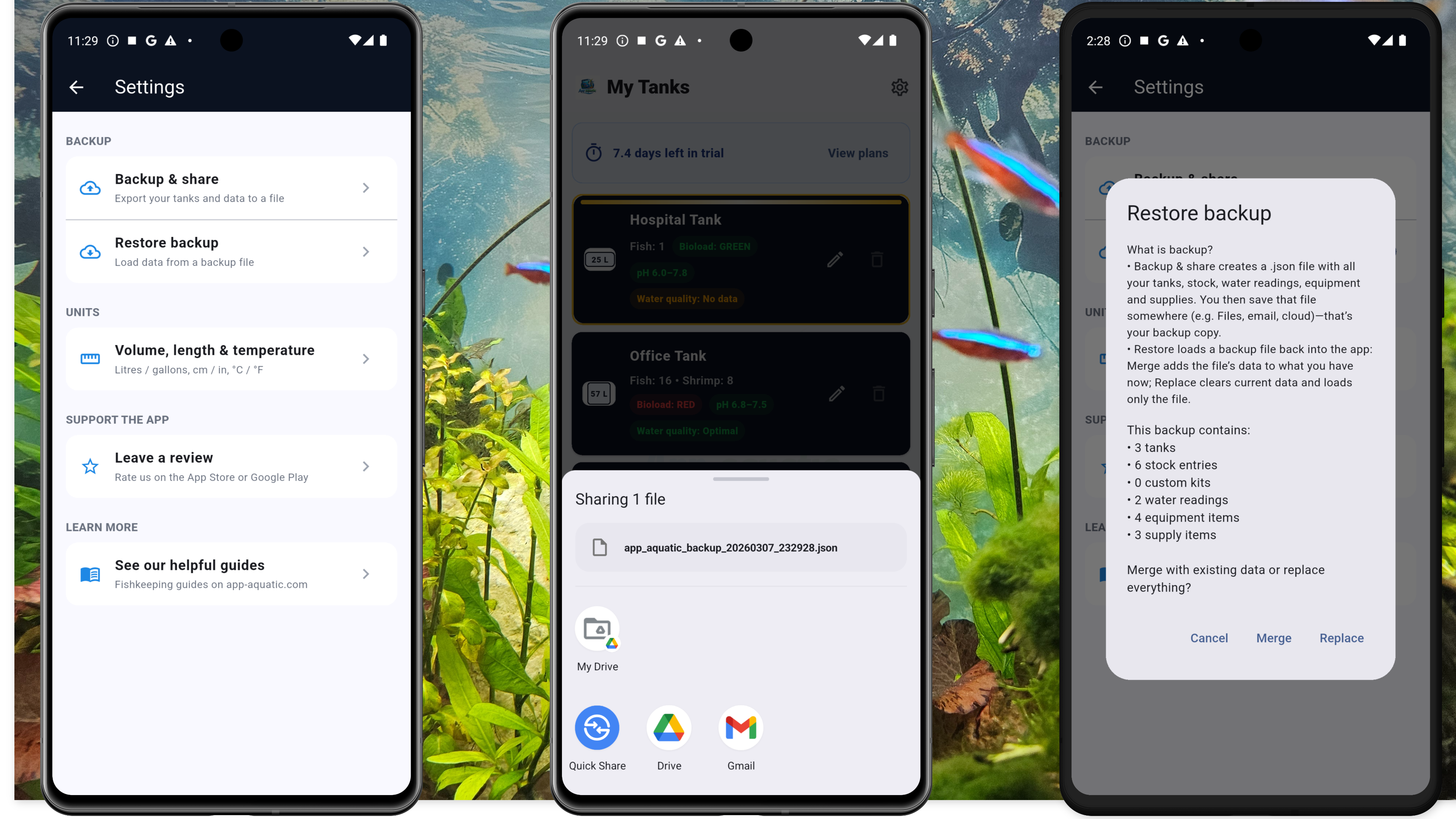
Settings, backup and restore
Access settings to back up your tanks, fish, and care history. We recommend regular backups. Restore a previous setup when you change devices or reinstall. See our tank care guide for more on staying on top of maintenance. Your data, your control - export and restore whenever you need.
New to fishkeeping? Start here
Plan before you buy. Use our fishkeeping guides so you don’t guess.
Free stocking calculators
Plan tank stocking with bioload, compatibility, and pH/temp checks. Same logic as the app - no sign-up required. How to use.
Get App-aquatic
Free trial. No ads. Cancel anytime.